Free and open source. Always. Read the source

See what your AI agents
are doing to your Mac

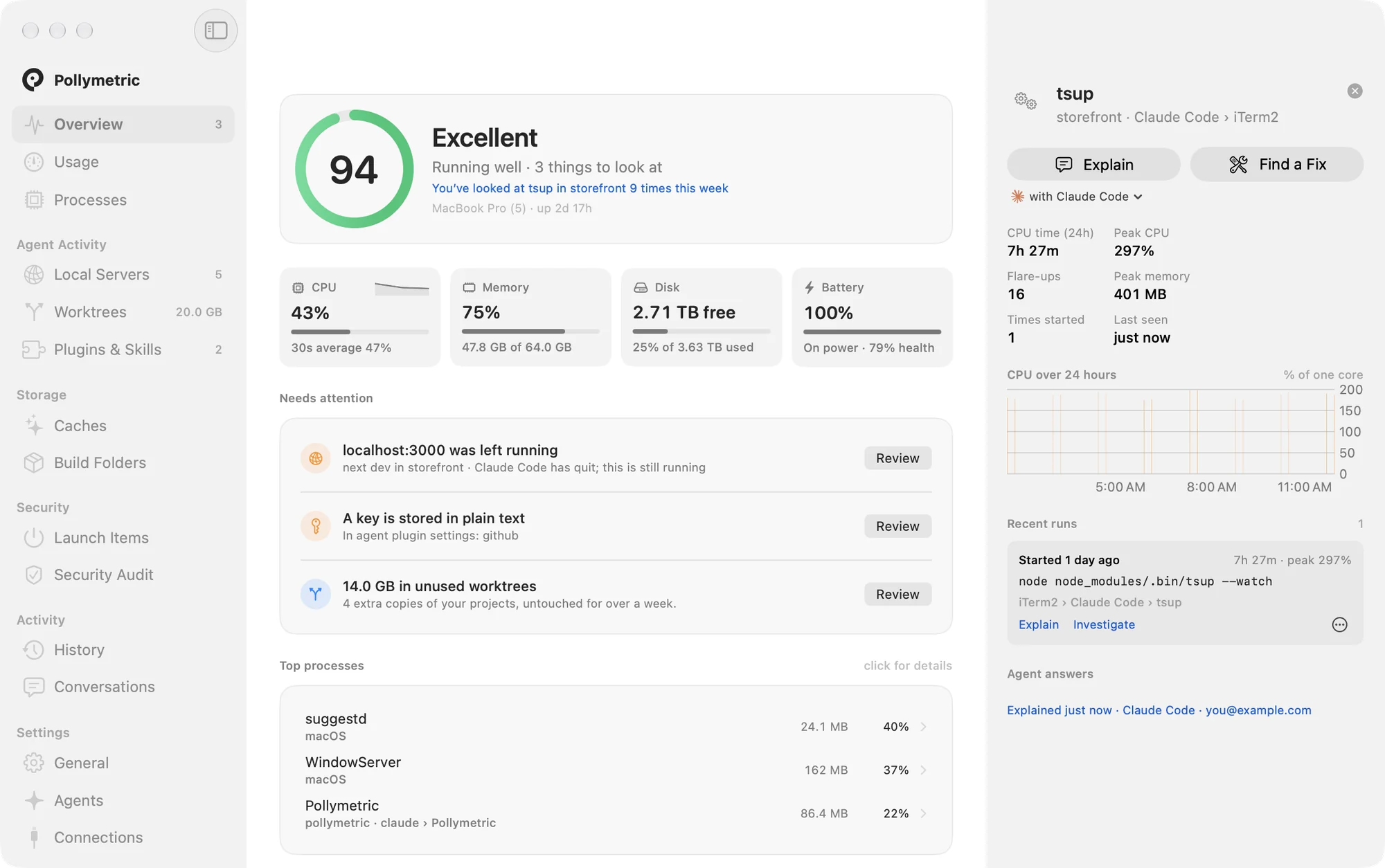
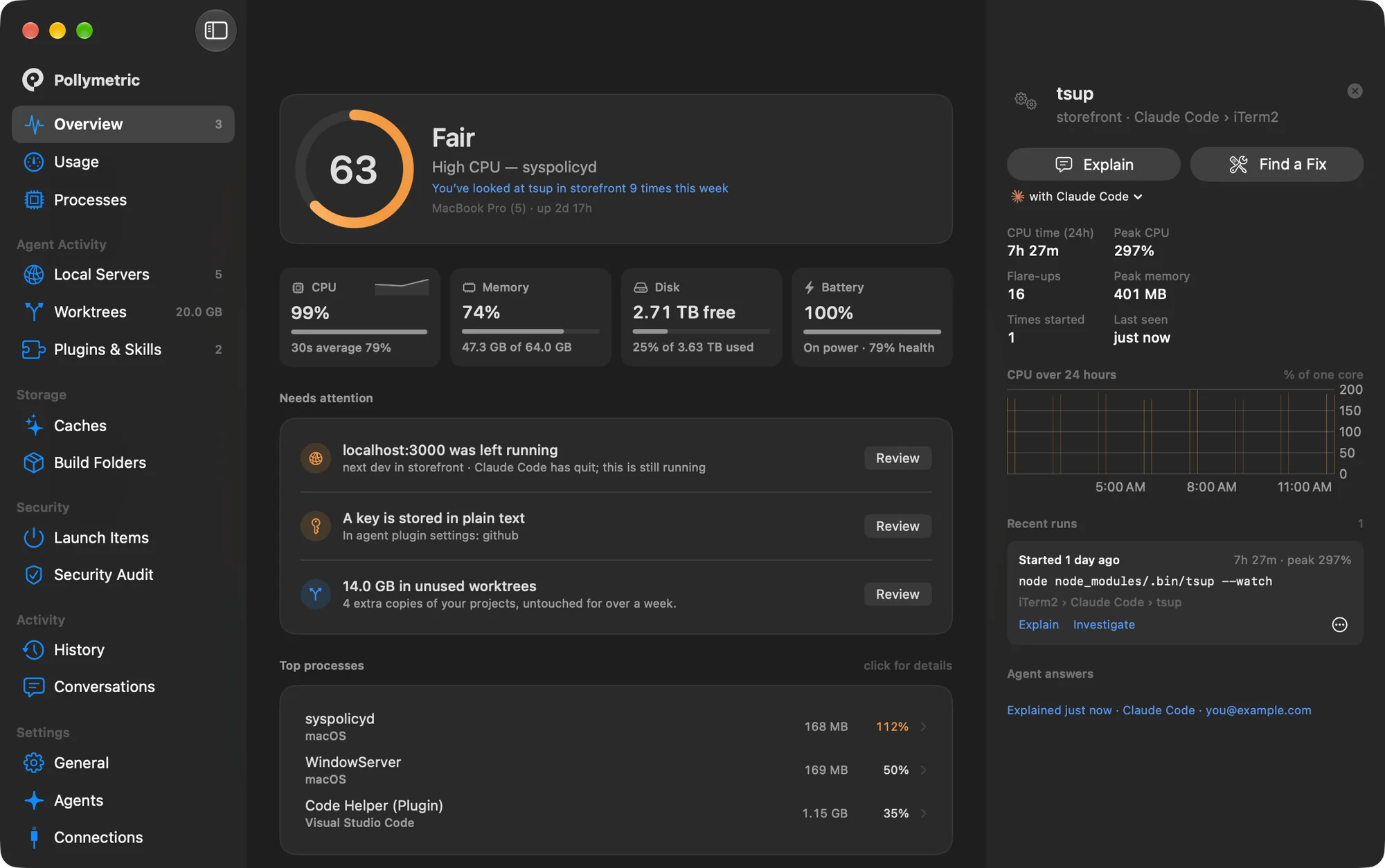
Servers left running, copies filling your disk, models holding memory, plugins you never reviewed, and your usage across every account. One glance from your menu bar.

Download for Mac See it in action
macOS 14+ · Apple silicon & Intel · Early release: needs "Open Anyway" on first open
Pollymetric on Product Hunt
PollymetricFileEditViewWindowHelp
Mon Sep 28 9:41 AM
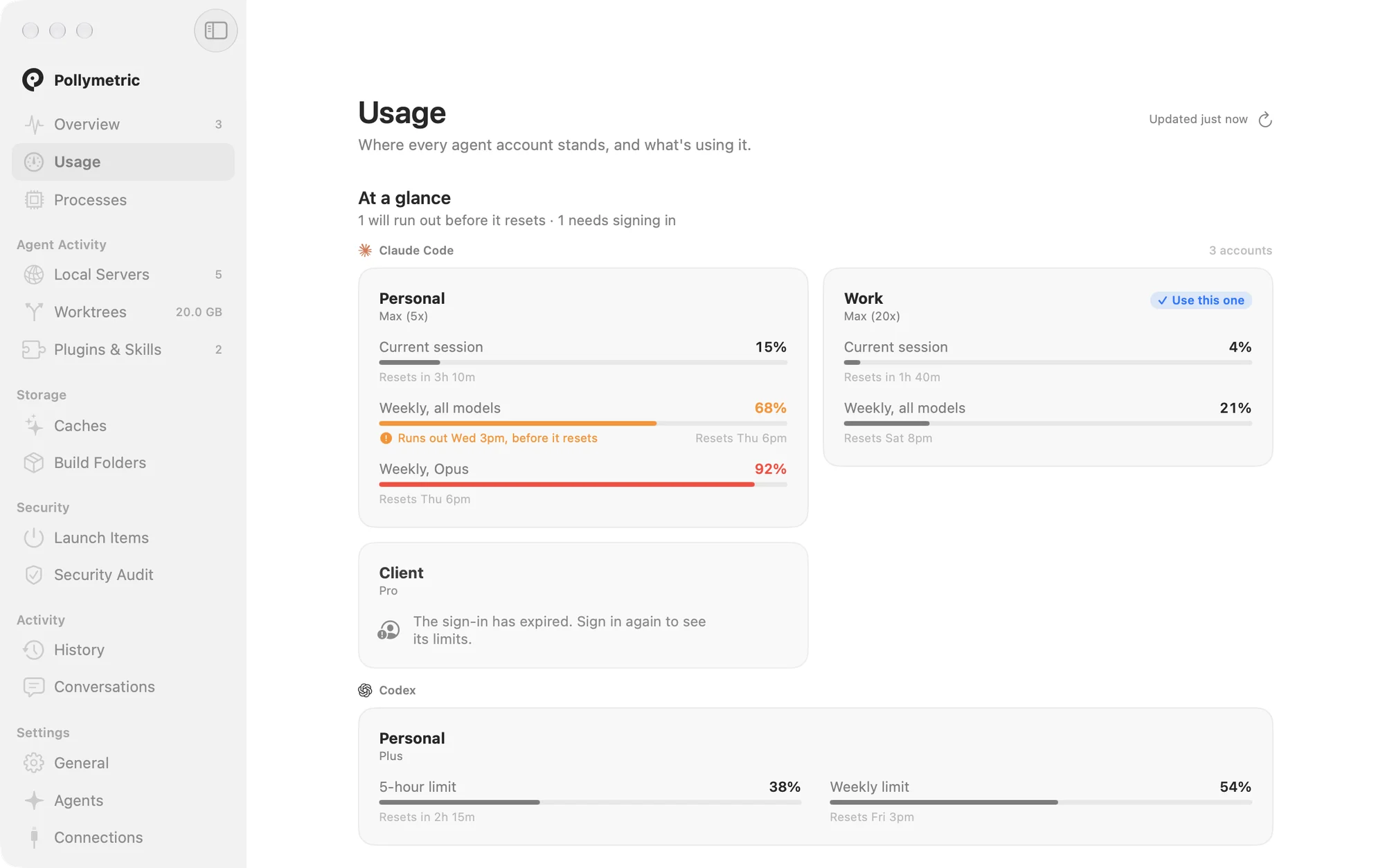
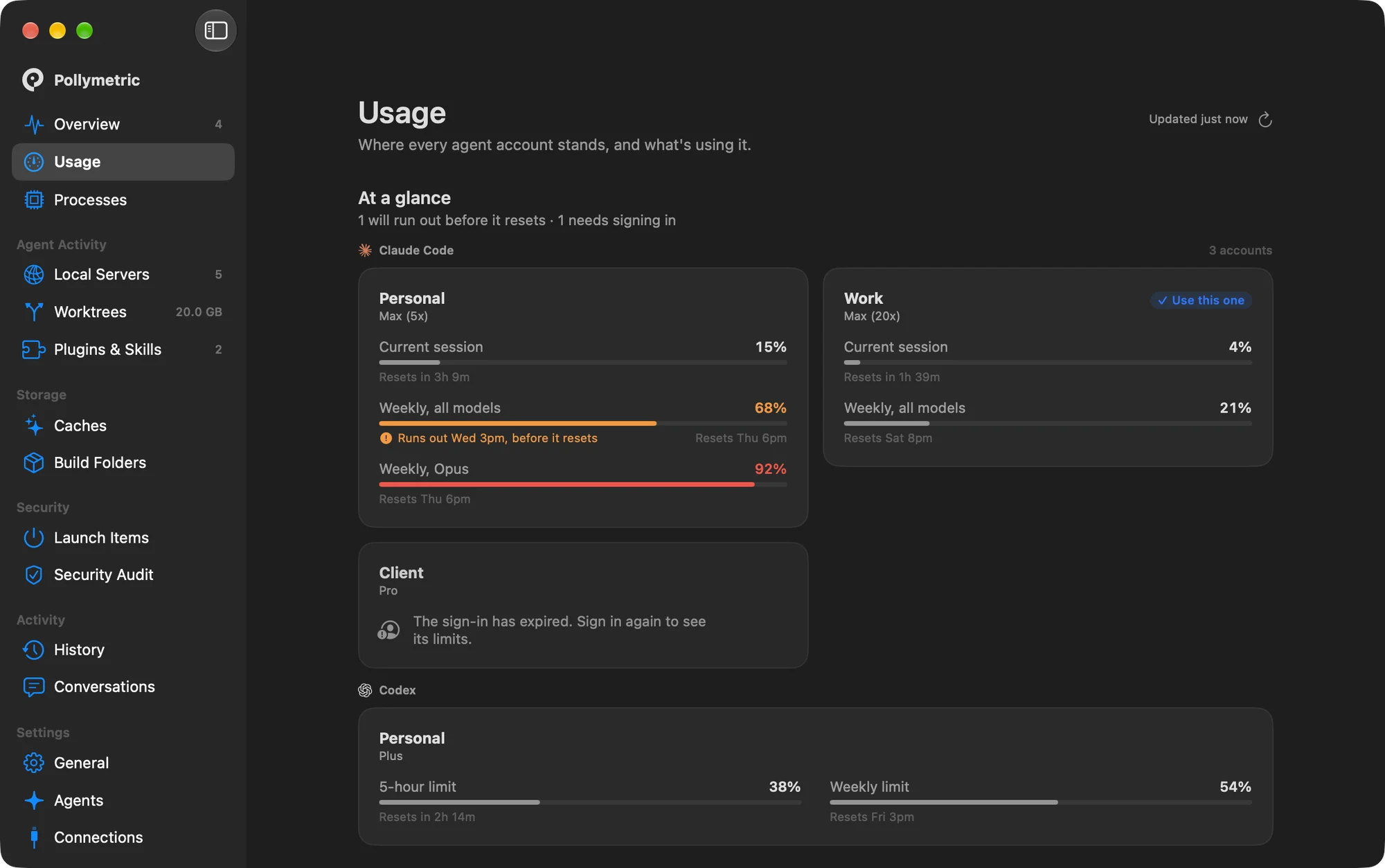
Usage: every agent account, how much is left, and when it resets
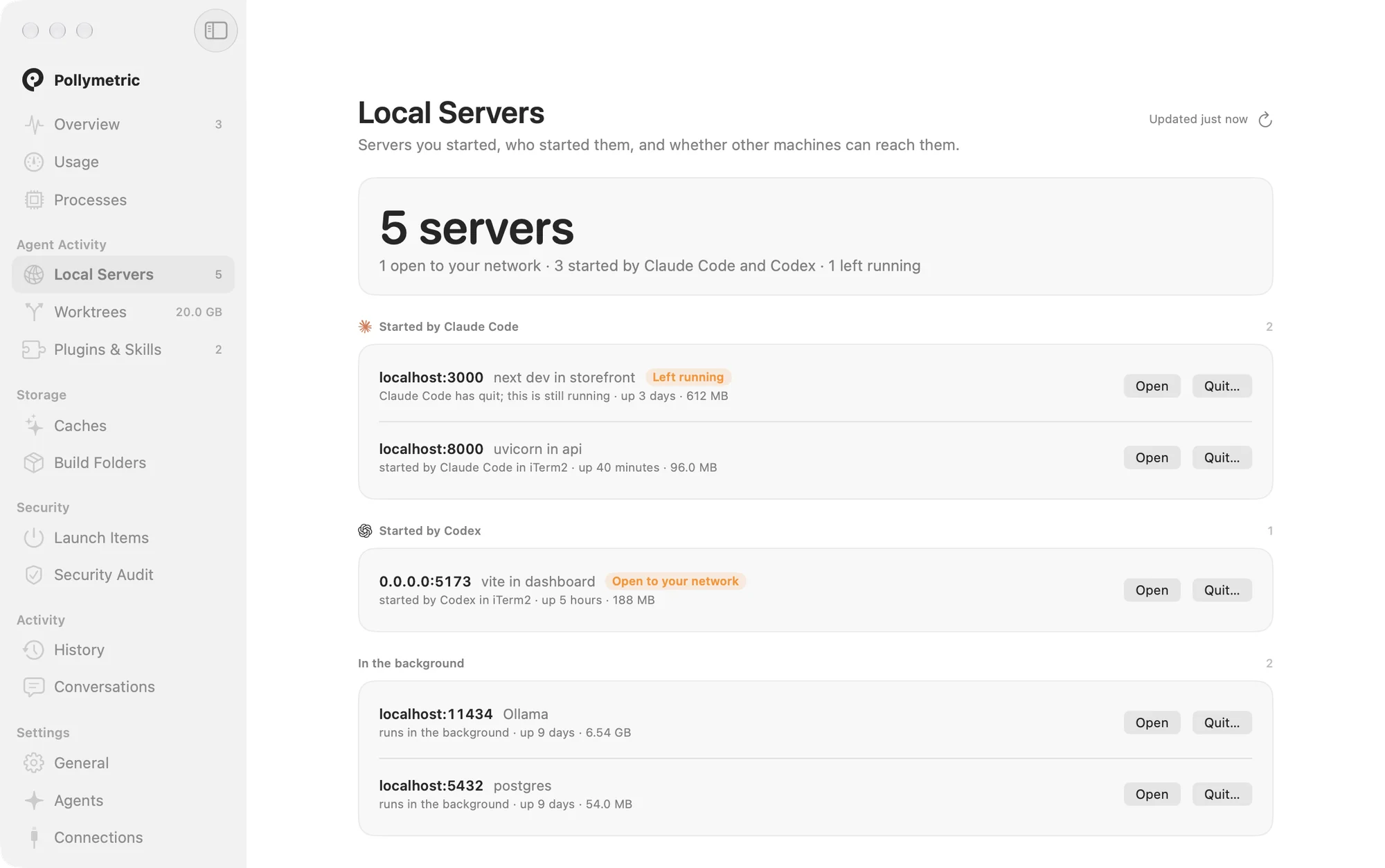
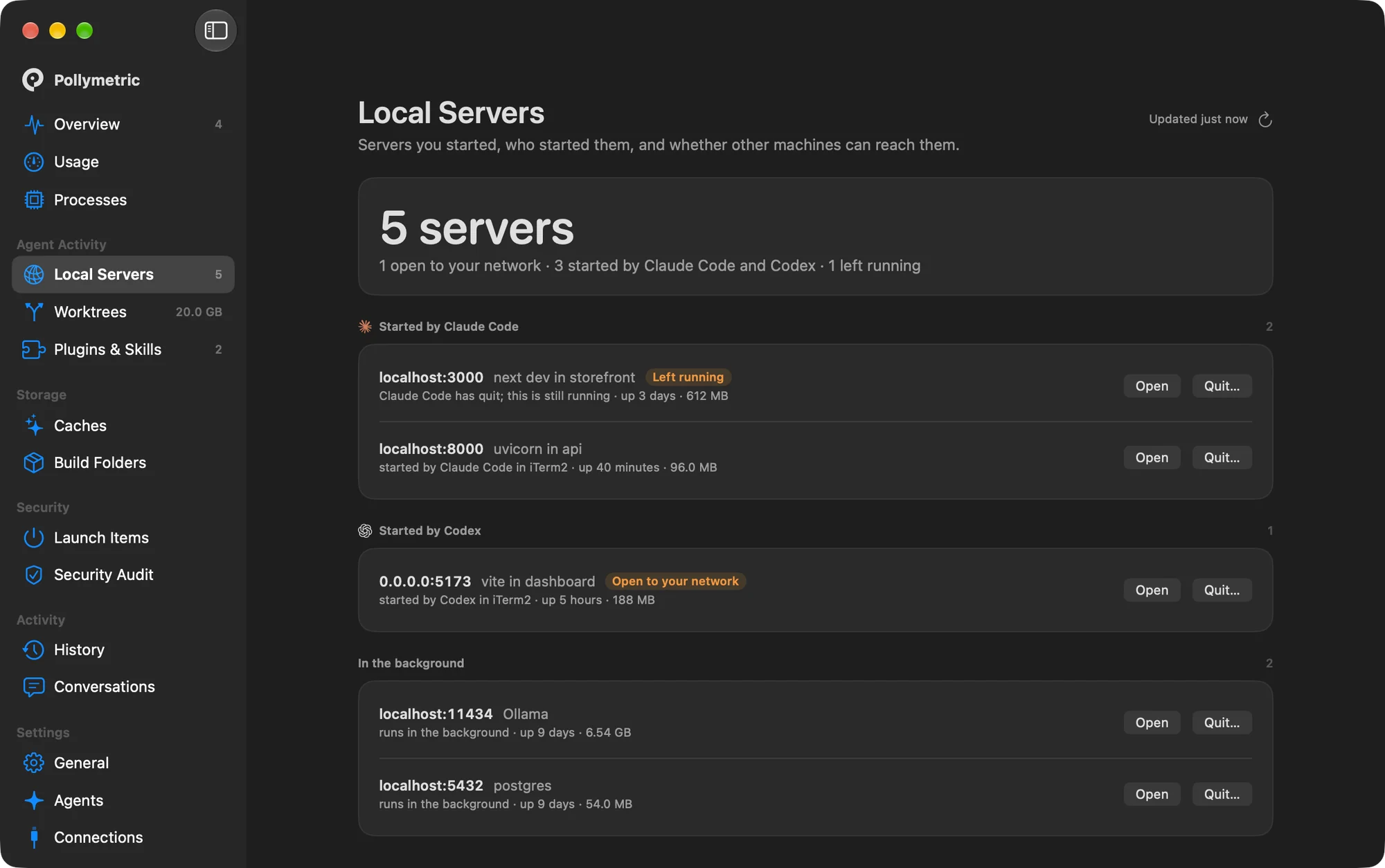
Local Servers
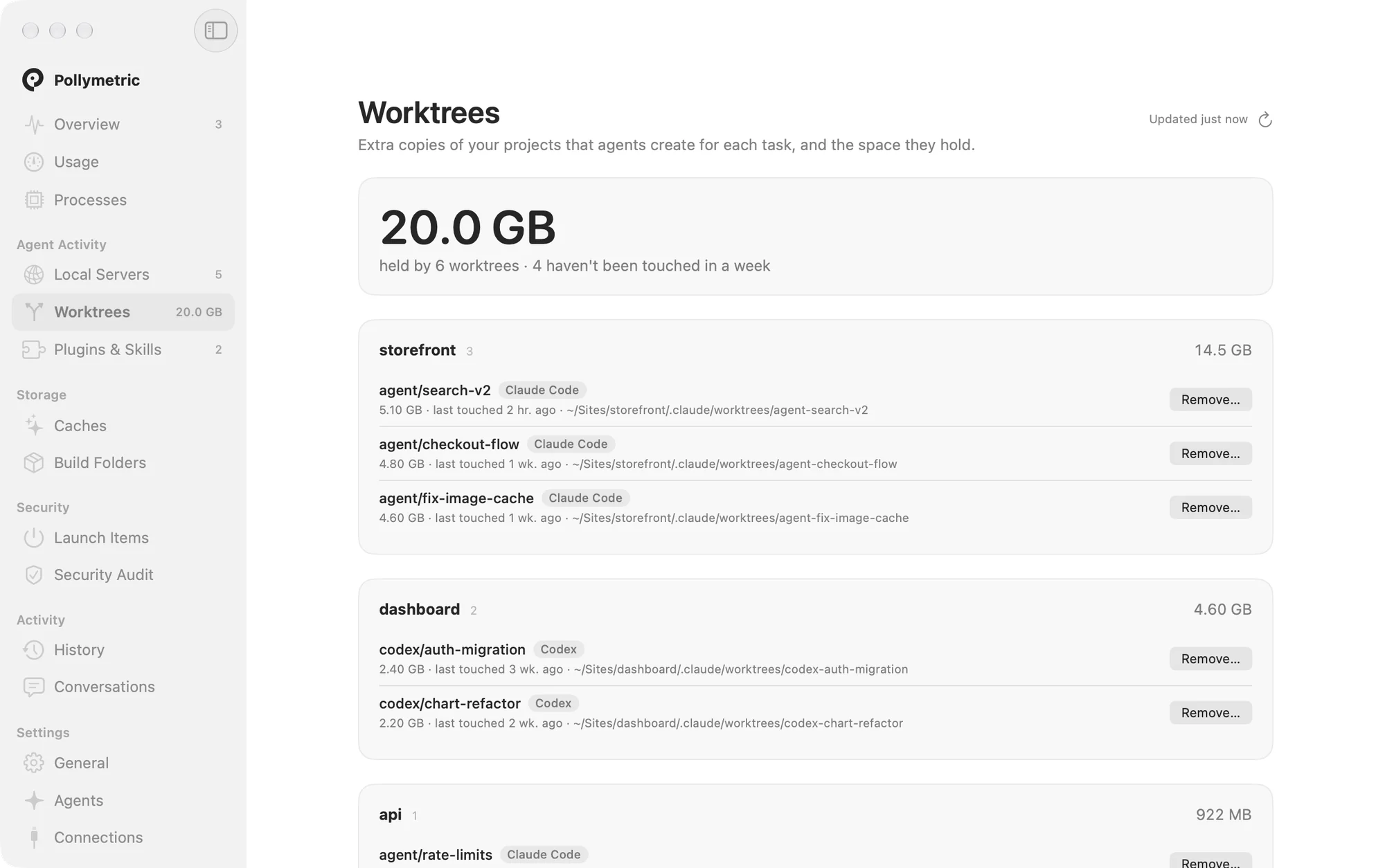
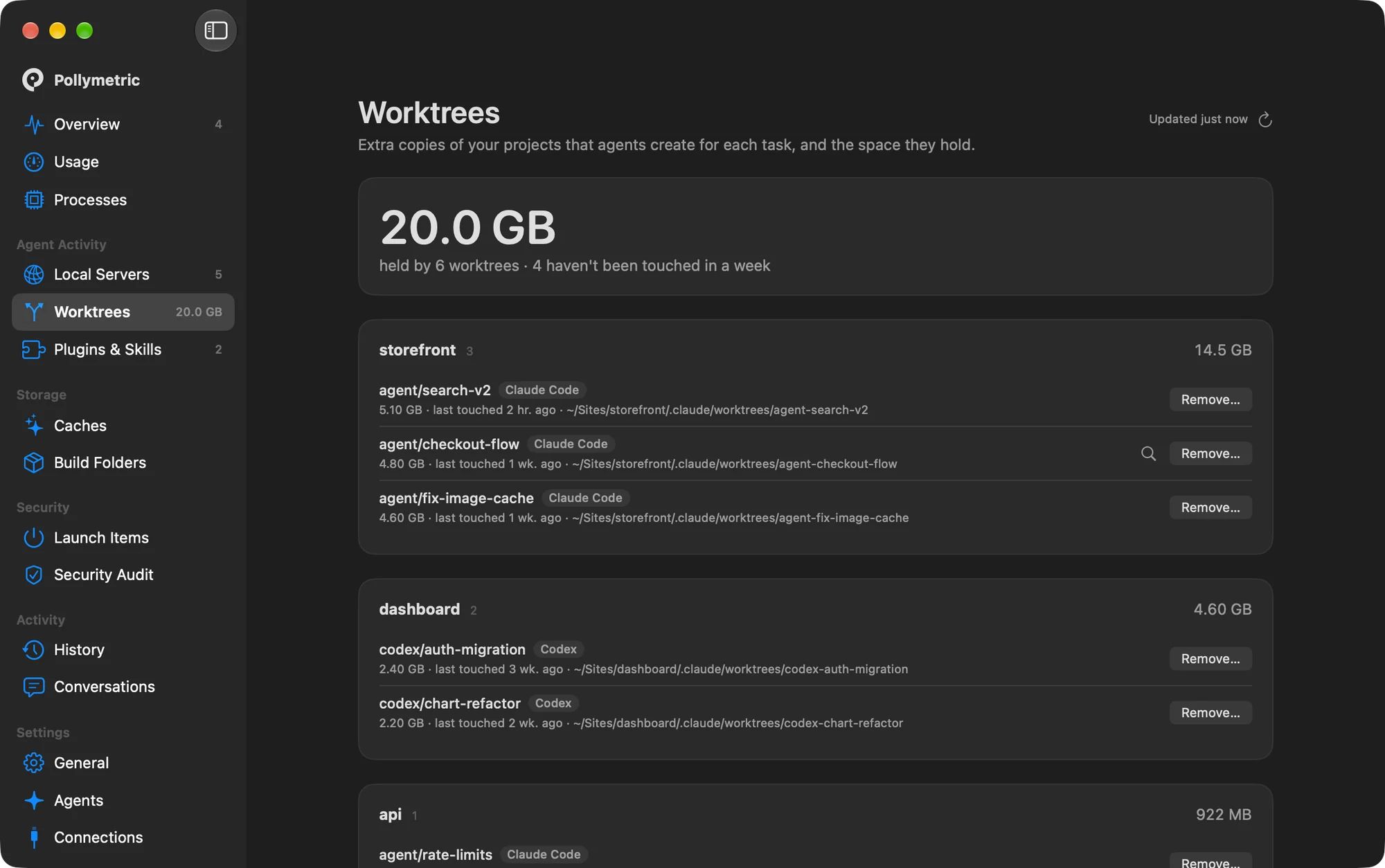
Worktrees
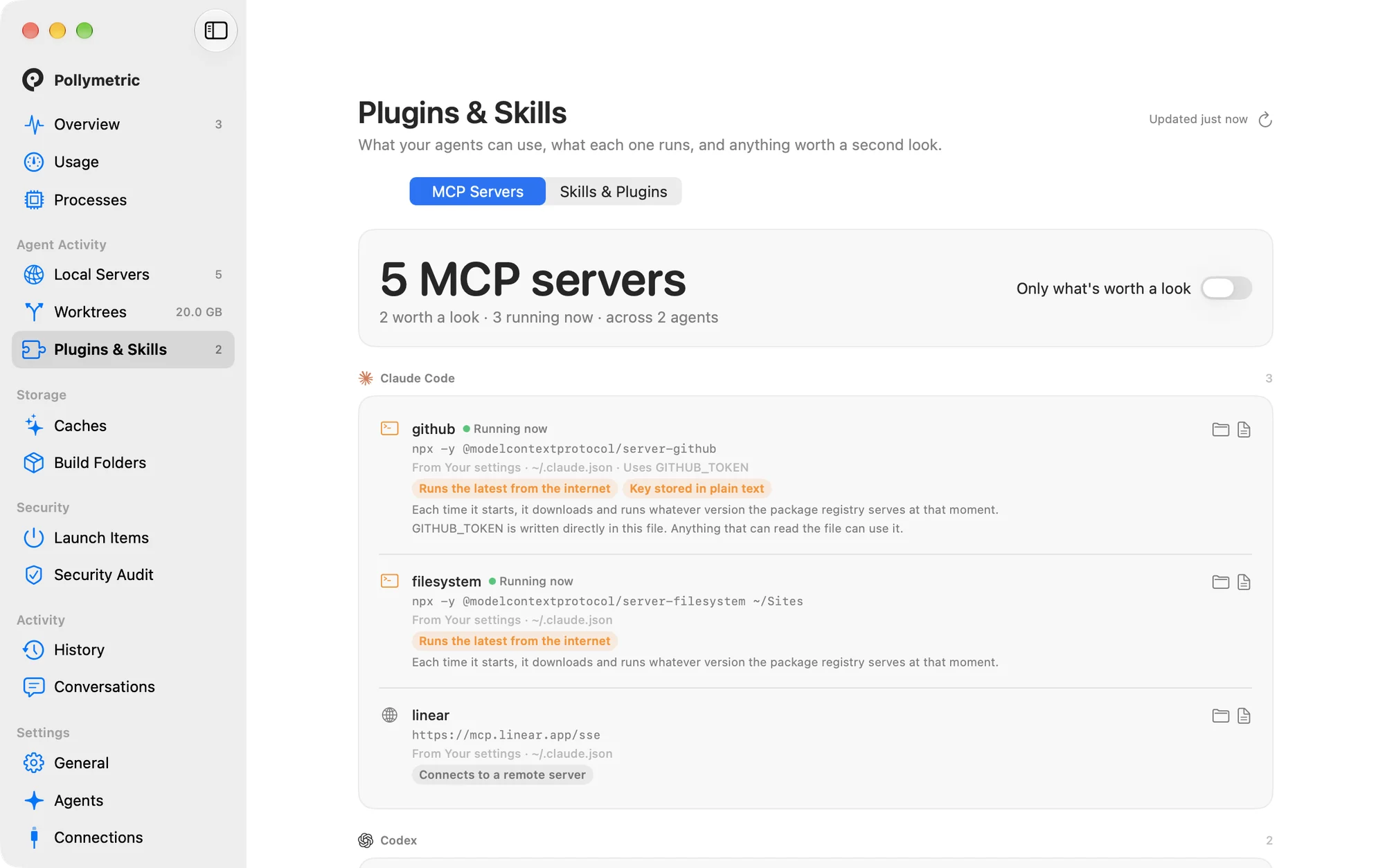
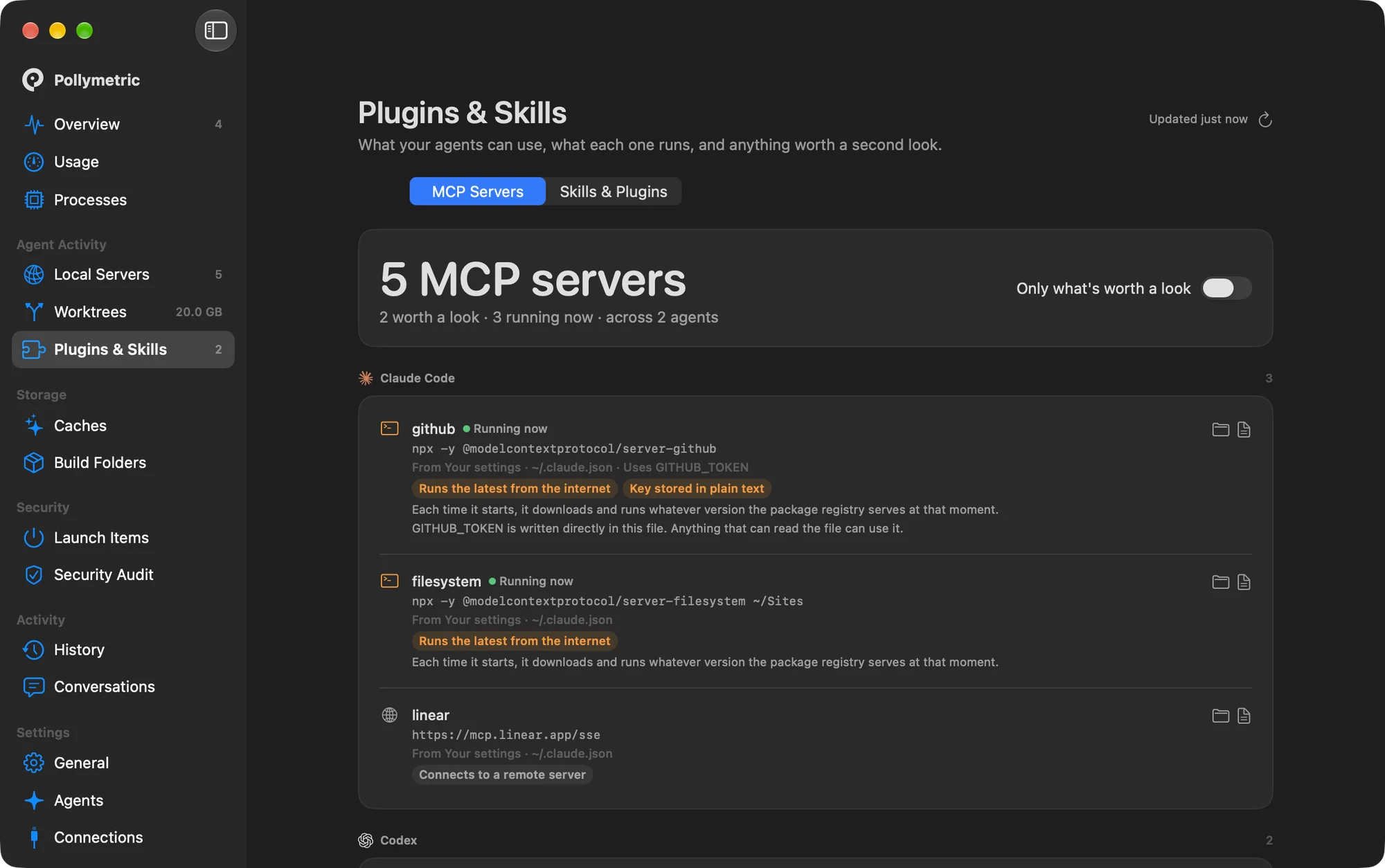
Plugins and Skills
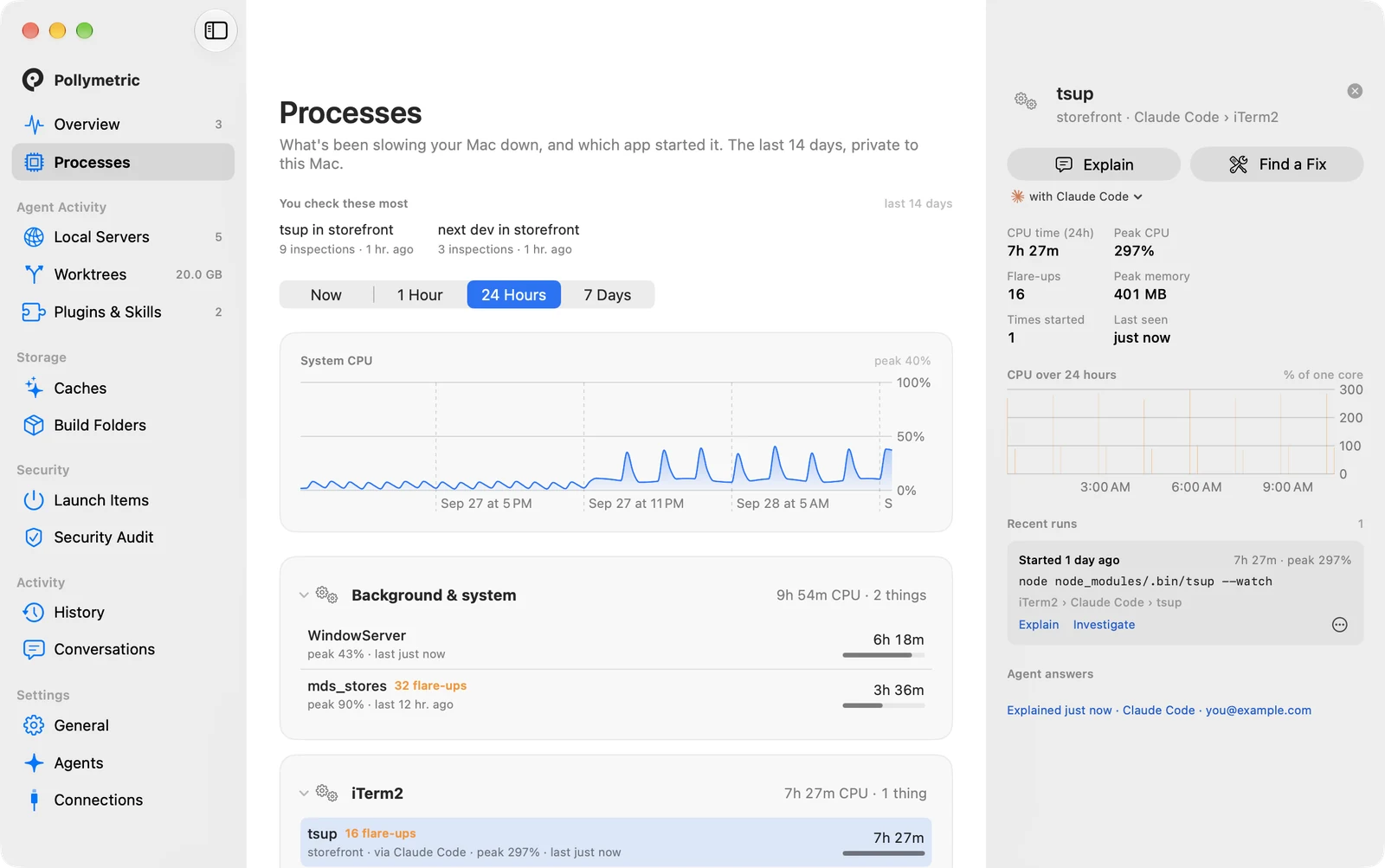
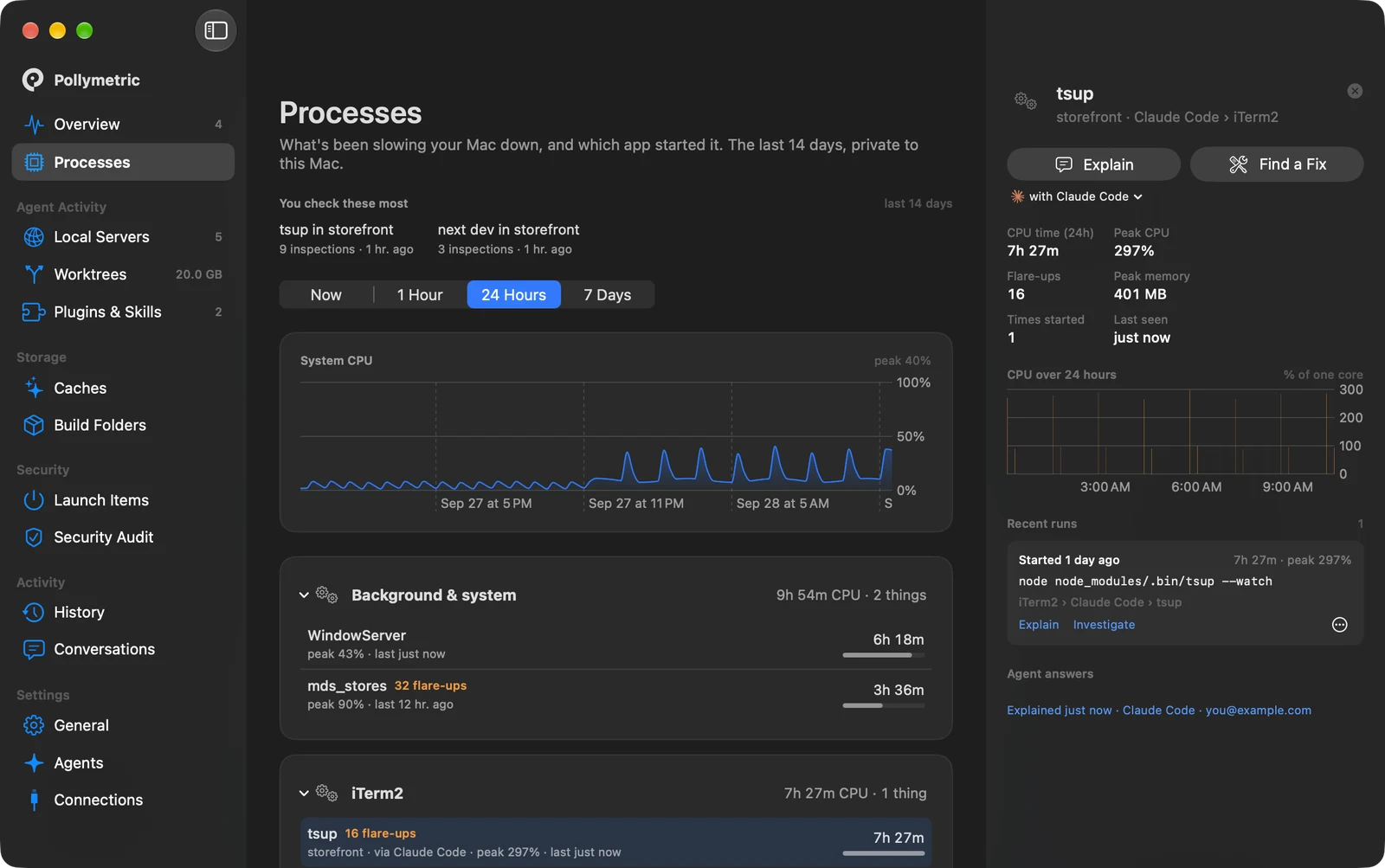
Processes with two weeks of history
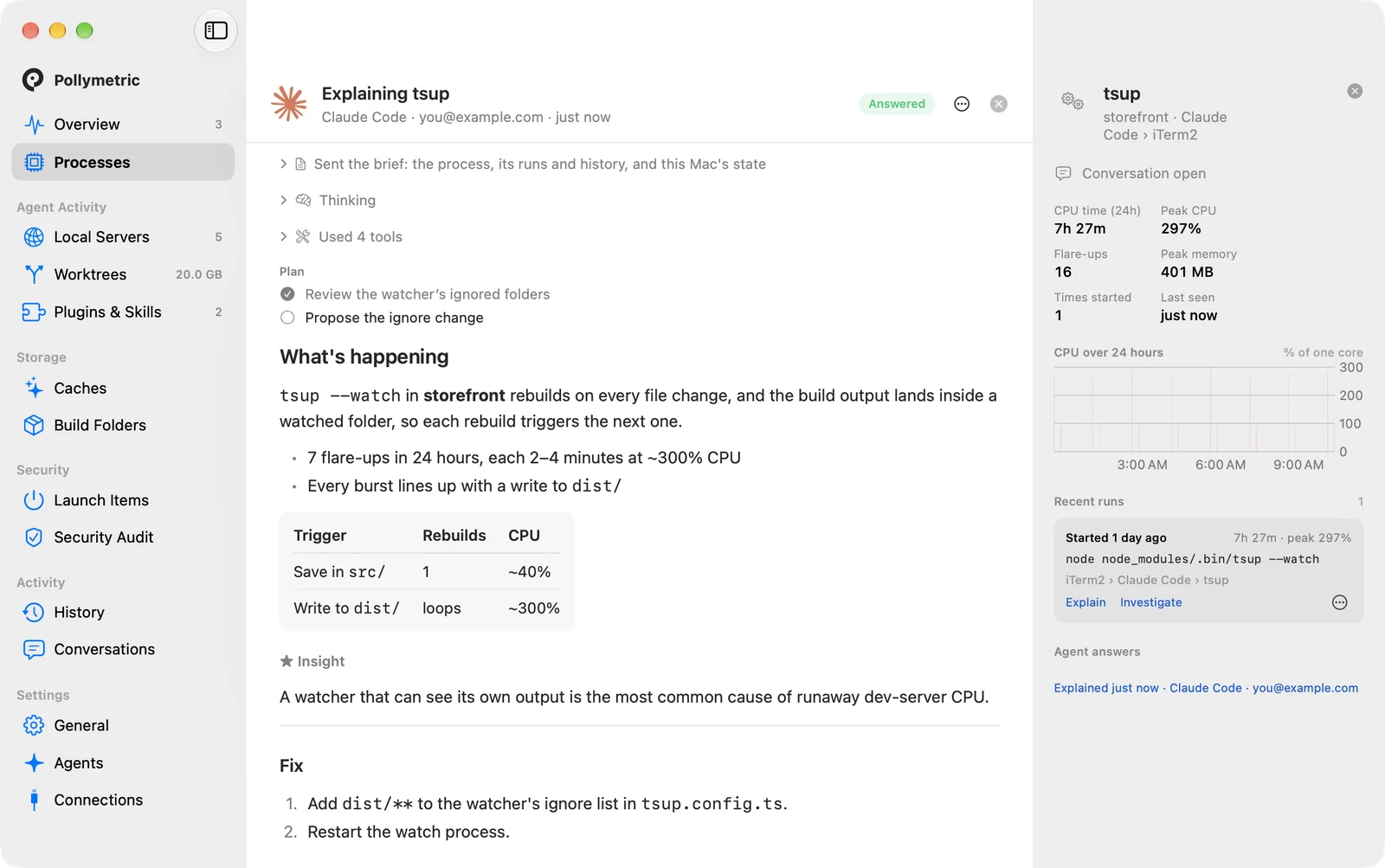
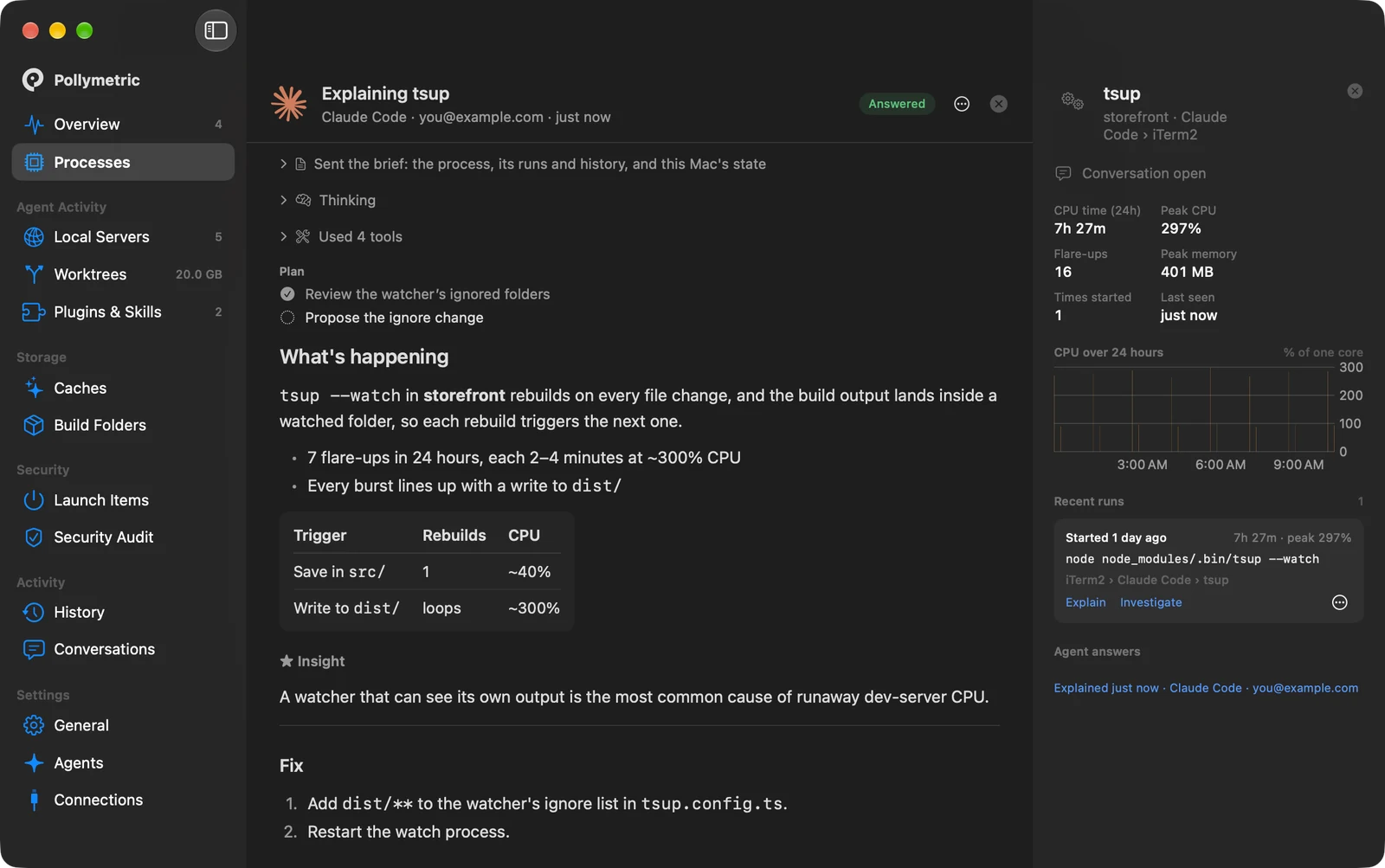
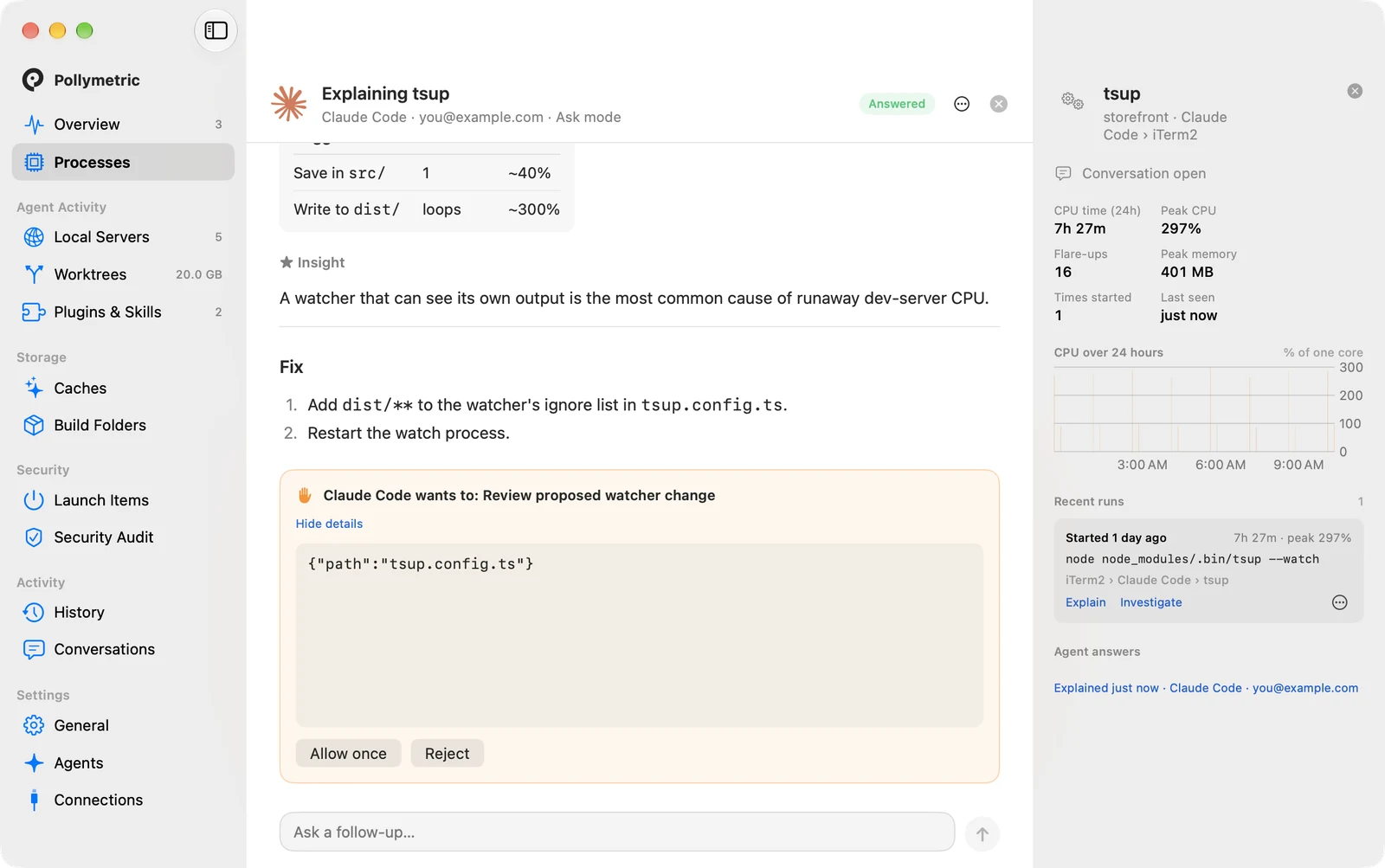
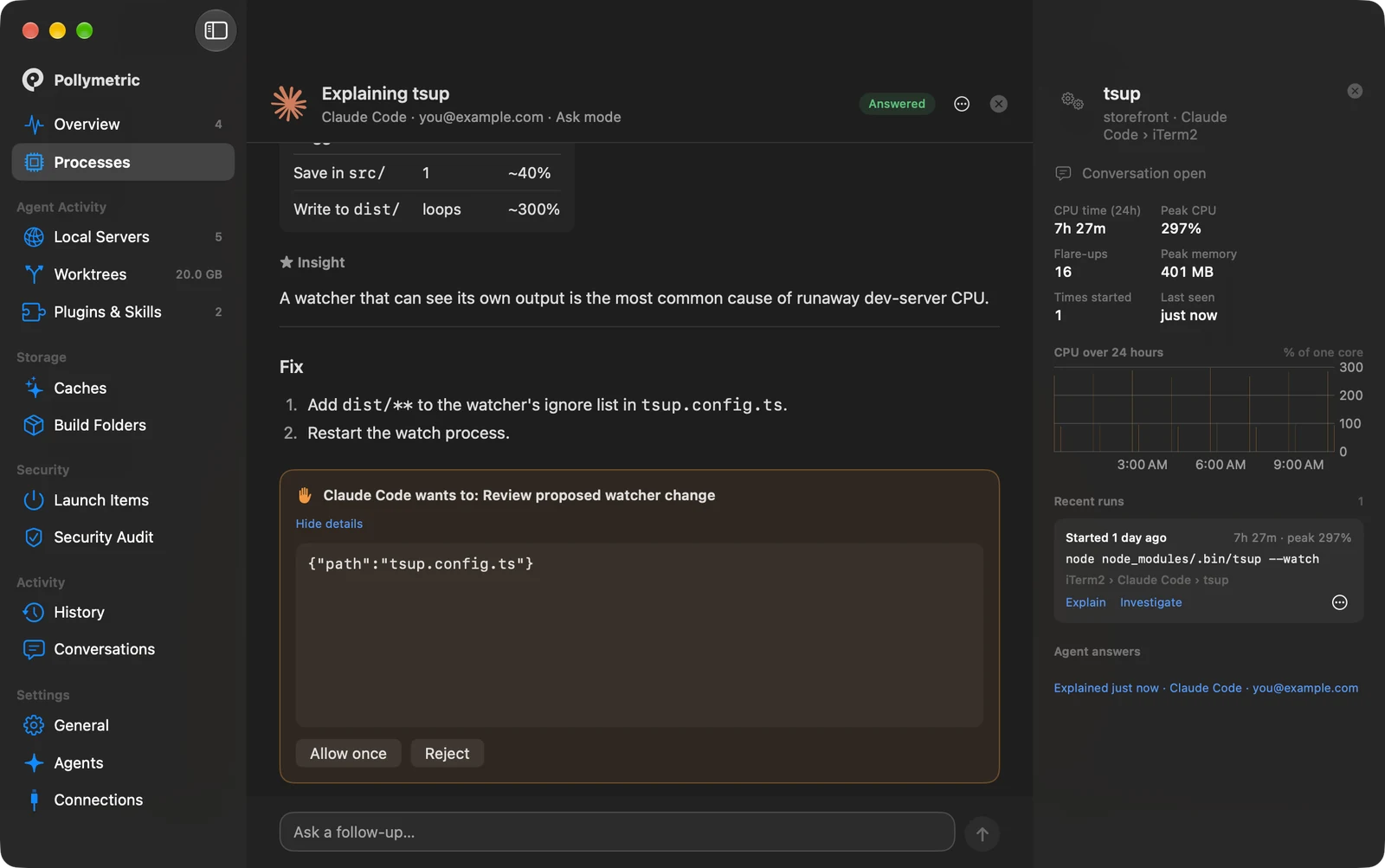
An agent explaining a runaway process
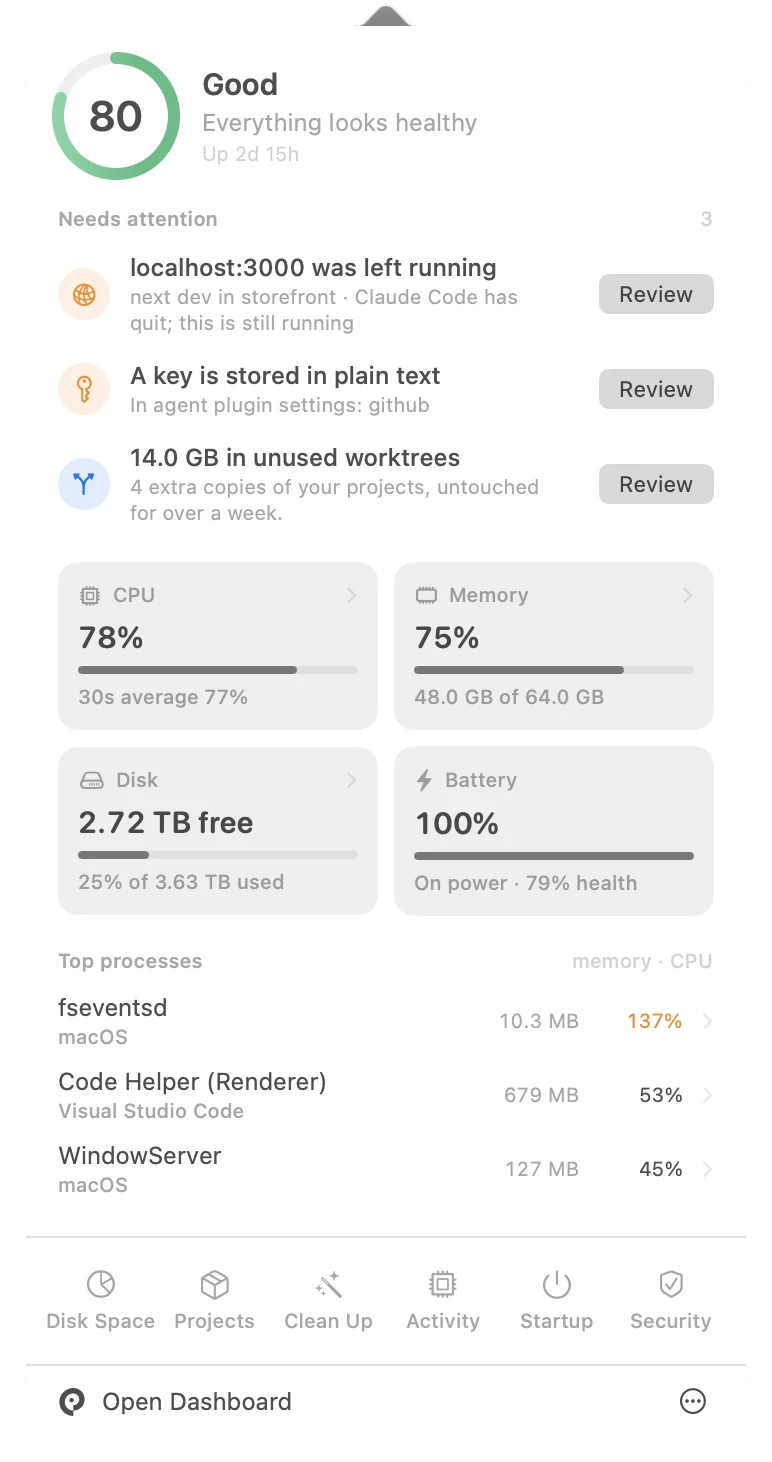
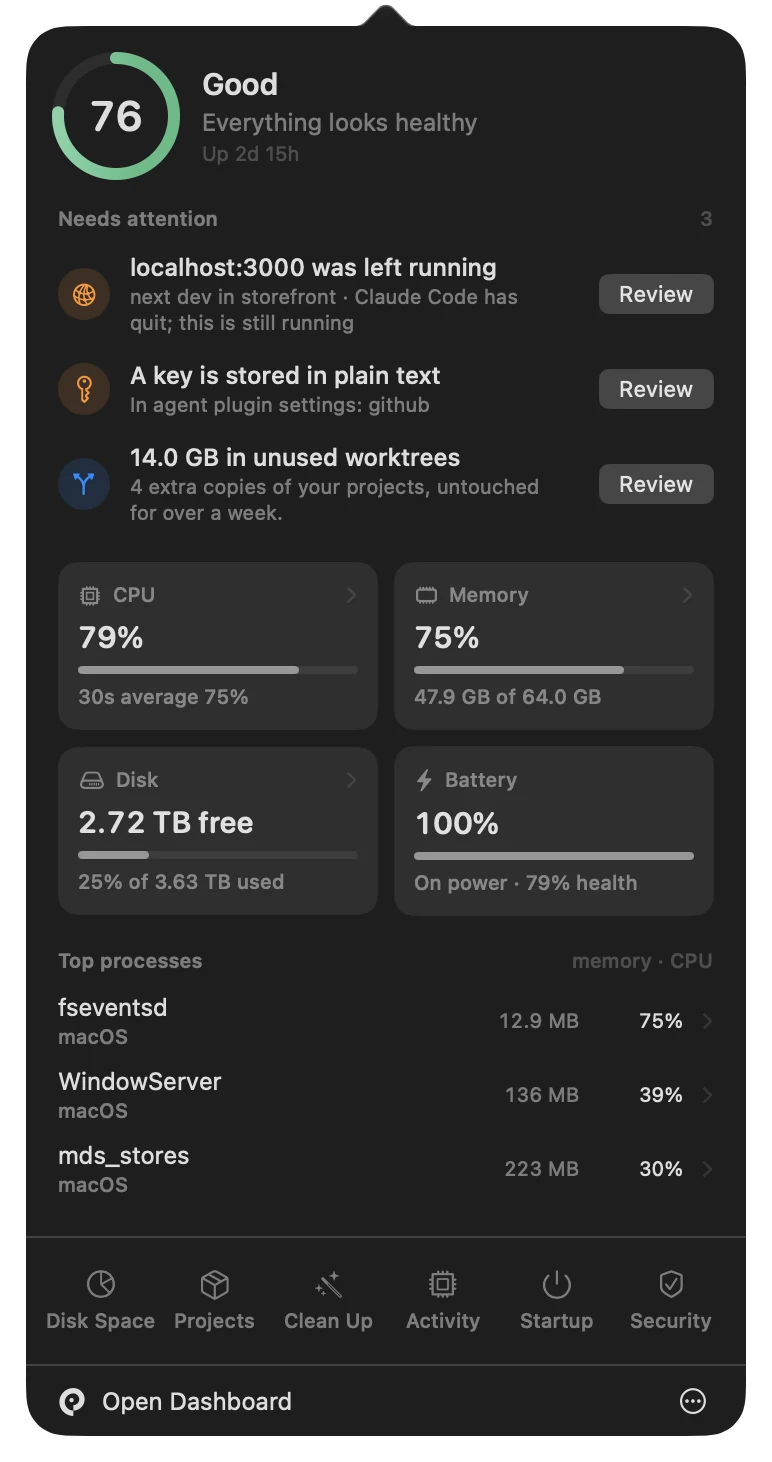
The Pollymetric menu bar panel

The real app. Pick a screen, or click the parrot in the menu bar.

Works with the agents and models you already use

Local Servers

Find the servers nobody stopped.
And who started them.

Every server on your Mac, the agent behind it, and the ones still running after it quit.

Local Servers
Worktrees

Get your disk back from forgotten copies.

Agents copy your project for every task. Pollymetric finds them all.

  • Size and last touched, per copy
  • Which agent made it
  • Safe removal. Your branch stays
Worktrees
Usage

Every agent account.
One glance.

How much is left, when it resets, what's eating it, and which account to use next.

Usage across every agent account
Plugins & Skills

Know what your agents have been given.

Every plugin and skill, what it runs, and what deserves a second look.

  • Keys stored in plain text
  • Tools that run the latest from the internet
  • Remote and unencrypted connections
Plugins and Skills
Explain & fix

Let an agent clean up after agents.
You approve every step.

Hand any problem to your own agent. It explains first, and changes nothing without your okay.

An agent asking permission before changing anything

Free and open source.
Always will be.

No account, no tracking, no paid tier. Read every line, change it, share it. MIT licensed.

MIT licensedNo accountNo trackingUnder 1% CPUHistory stays on your Mac
How it works

Up and running in a minute.

01

Download

Open Pollymetric.dmg and drag it into Applications.

02

Choose what to enable

Start at login, full-disk checks, your AI agents. All optional.

03

Get on with your day

It lives in your menu bar and speaks up only when something needs you.

Coming next

Where it's headed.

FAQ

Questions, answered.

Is it really free?

Yes. Pollymetric is open source under the MIT license, with no account and no paid tier. It always will be.

Do I need an AI agent to use it?

No. Servers, worktrees, plugins, usage, history, cleanup and security checks all work on their own. An agent is only needed if you want one to explain or fix something.

Does anything leave my Mac?

Your monitoring history is stored on your Mac. Explain and Find a Fix share only the relevant context with the agent you choose. The app has no tracking. This website uses Google Analytics to count visits.

Why does macOS ask me to "Open Anyway"?

This early release isn't notarized by Apple yet. The first time you open it, go to System Settings → Privacy & Security and click Open Anyway. Notarized releases are on the way.

Which agents does it work with?

Claude Code, OpenAI Codex, Gemini CLI, Cursor, Grok and OpenCode, plus local models from Ollama, LM Studio, llama.cpp, MLX and vLLM, and plugins in Claude Desktop, VS Code and Windsurf.

Will it slow my Mac down?

It uses under 1% CPU at idle, and never runs heavy scans while you're busy.

Know what your agents left running.

Free, open source, and on your Mac in a minute.